# 登錄

### 如何登錄Swiftproxy賬戶?

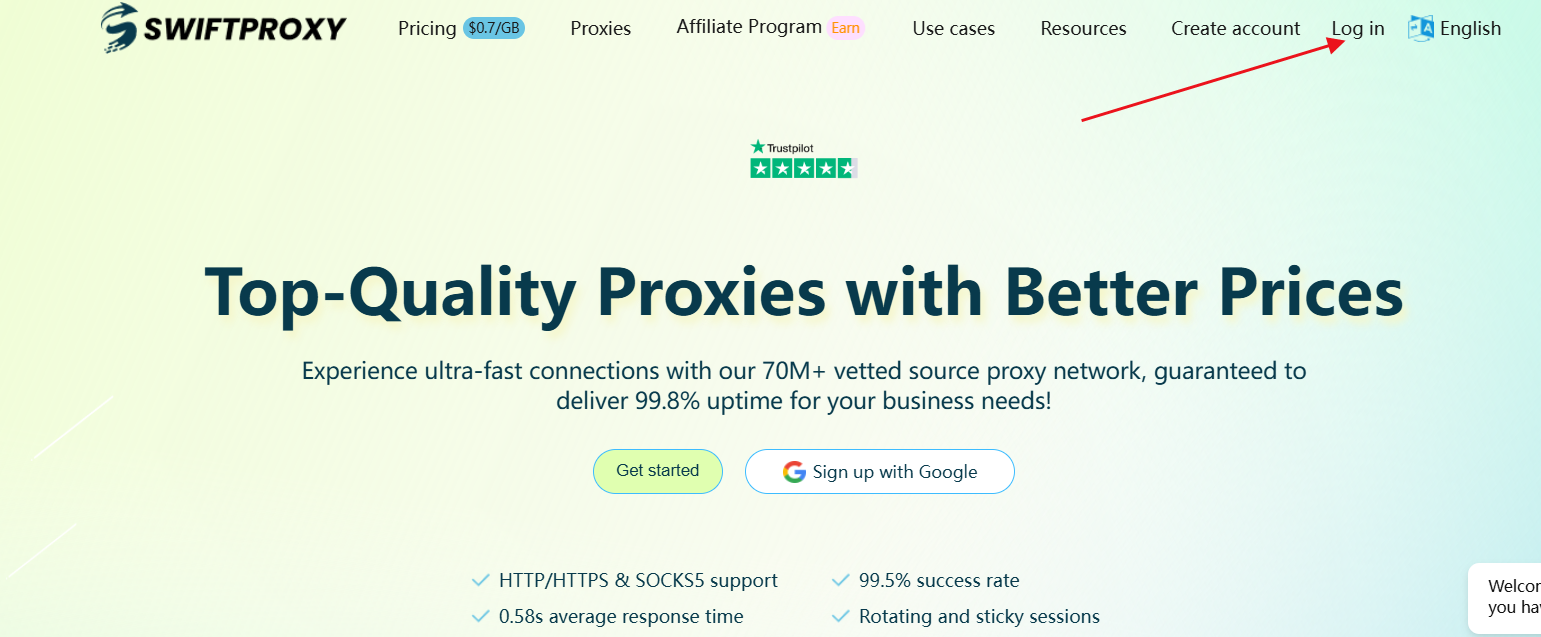
* 如果您已經註冊了 Swiftproxy 帳號，可以透過首頁的登入按鈕進行登入，或點擊此連結直接登入:[ Log in](https://www.swiftproxy.net/user/login)

<figure><img src="https://www.swiftproxy.net/upload/20250207/e0e8efa68f5f902b650141deeca3b486.png" alt="" width="563"><figcaption></figcaption></figure>

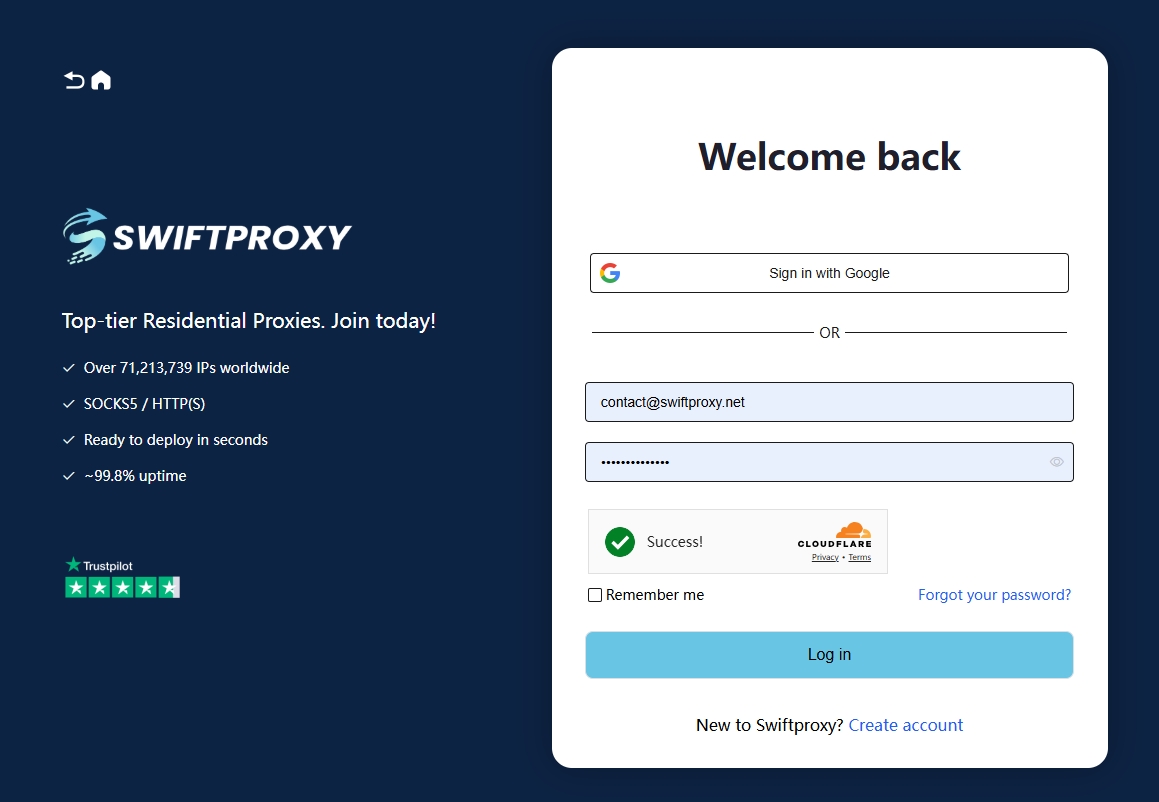
* 在登入頁面，如果您是使用 Google 註冊的，可以直接點擊 【使用 Google 登入】。
* 如果您是使用其他電子信箱註冊的，請輸入您註冊時的電子信箱與密碼，然後點擊 【登入】 即可。

<figure><img src="https://www.swiftproxy.net/upload/20250205/c7b30f4cfa33d8832b62605b8aae2e75.jpeg" alt="" width="563"><figcaption></figcaption></figure>

如果在註冊及登入過程中，本指南未能解答您的問題，您也可以聯繫客服，我們將協助您解決相關問題。

Telegram: <https://t.me/Swiftproxy357>

郵箱: <contact@swiftproxy.net> / <miumiu@swiftproxy.net>

WhatsApp: [WhatsApp](https://api.whatsapp.com/send/?phone=85366129439\&text\&type=phone_number\&app_absent=0)
---

# Agent Instructions: Querying This Documentation

If you need additional information that is not directly available in this page, you can query the documentation dynamically by asking a question.

Perform an HTTP GET request on the current page URL with the `ask` query parameter:

```
GET https://docs.swiftproxy.net/zh-tw/dai-li/zhu-ce-yu-deng-lu/deng-lu.md?ask=<question>
```

The question should be specific, self-contained, and written in natural language.
The response will contain a direct answer to the question and relevant excerpts and sources from the documentation.

Use this mechanism when the answer is not explicitly present in the current page, you need clarification or additional context, or you want to retrieve related documentation sections.
