> For the complete documentation index, see [llms.txt](https://docs.swiftproxy.net/llms.txt). Markdown versions of documentation pages are available by appending `.md` to page URLs; this page is available as [Markdown](https://docs.swiftproxy.net/zh-tw/dai-li/ji-cheng-dai-li/jing-tai-zhu-zhai-dai-li/nestbrowser.md).
# Nestbrowser
## **為什麼選擇 NestBrowser?**
選擇 NestBrowser 作為您的瀏覽器解決方案,具有以下幾大優勢:
**1. 隱私與安全**
* 提供先進的 IP 隱藏功能,有效防止網路追蹤與個人資訊洩露。
* 支援多種代理配置方式,能輕鬆整合 SwiftProxy 等代理工具。
**2. 企業級開發支援**
* 採用模組化架構設計,方便擴展與維護。
* 支援多種通訊協議,滿足不同場景下的開發需求。
**3. 工程優勢**
* 遵循現代前端工程規範,程式碼組織清晰。
* 提供完整的開發工具鏈,適合構建複雜應用程式。
## **如何配置 NestBrowser 和 Swiftproxy 靜態住宅代理?**
### **Step 1: 獲取代理信息與下載**
1. 從[官方網站](https://nestbrowser.com/)下載並安裝 Nestbrowser
2. 前往 Swiftproxy [用戶中心](https://www.swiftproxy.net/user/ucenter),複製用戶名、密碼、服務器名和端口
 ### **Step 2: 在 Nestbrowser 中配置 Swiftproxy**
1. 註冊並登入後,點擊【New Profile】以建立新的瀏覽器配置檔
### **Step 2: 在 Nestbrowser 中配置 Swiftproxy**
1. 註冊並登入後,點擊【New Profile】以建立新的瀏覽器配置檔
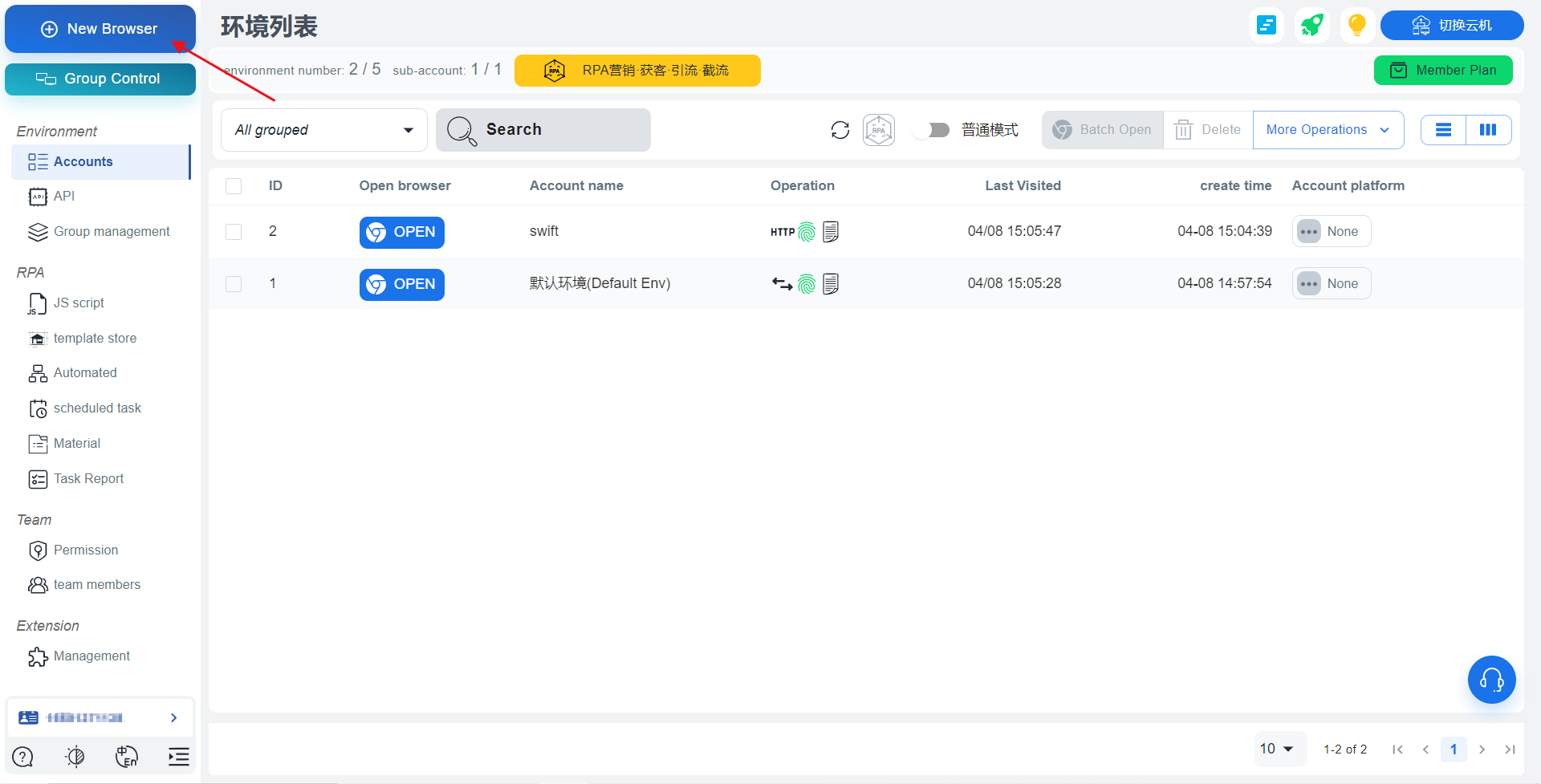 2. 輸入帳號名稱後,貼上用戶名、密碼、服務器名和端口。選擇代理協議後,系統會自動解析貼上的代理憑證。最後,點擊【Save】完成瀏覽器的代理配置。
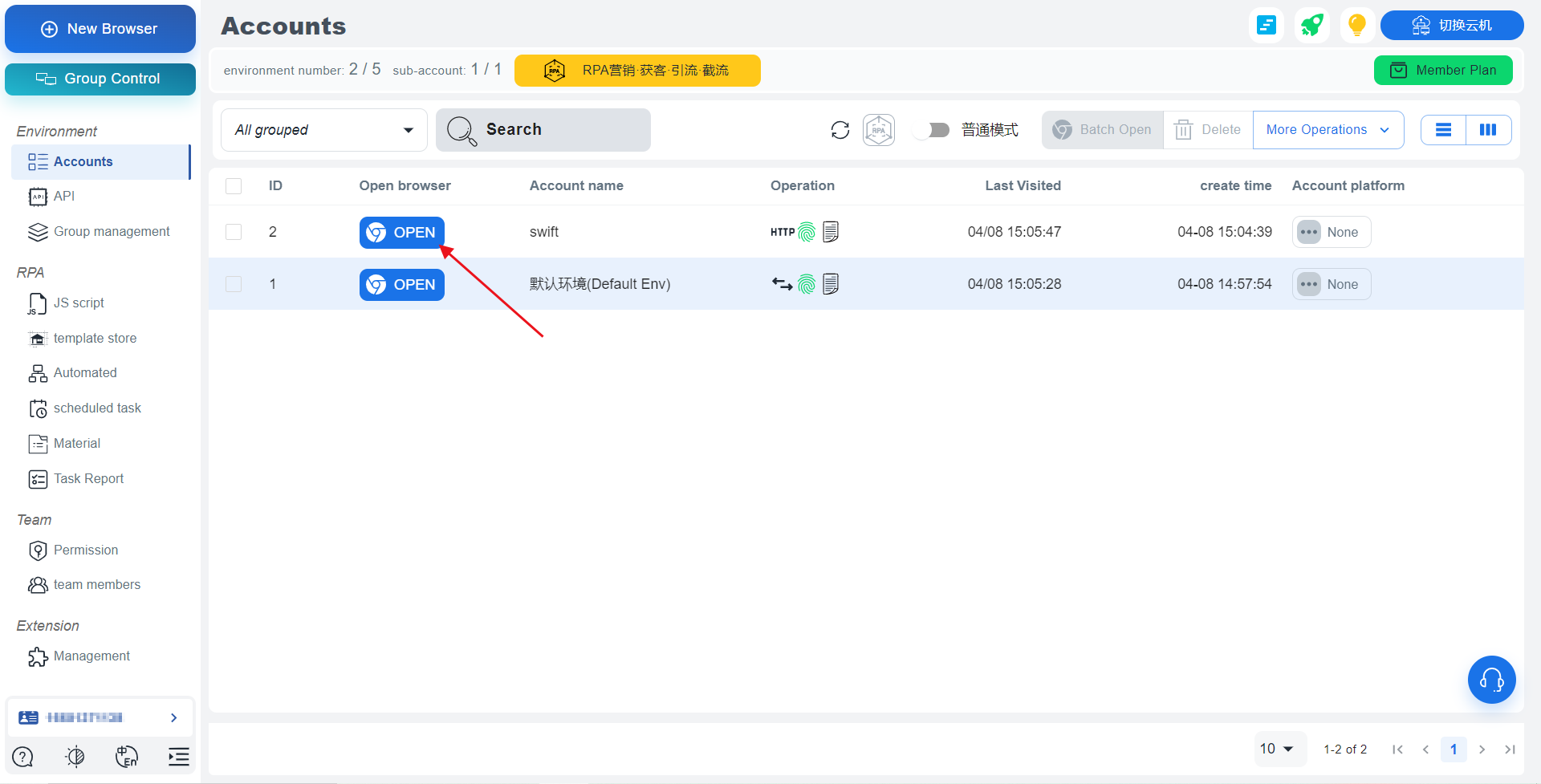
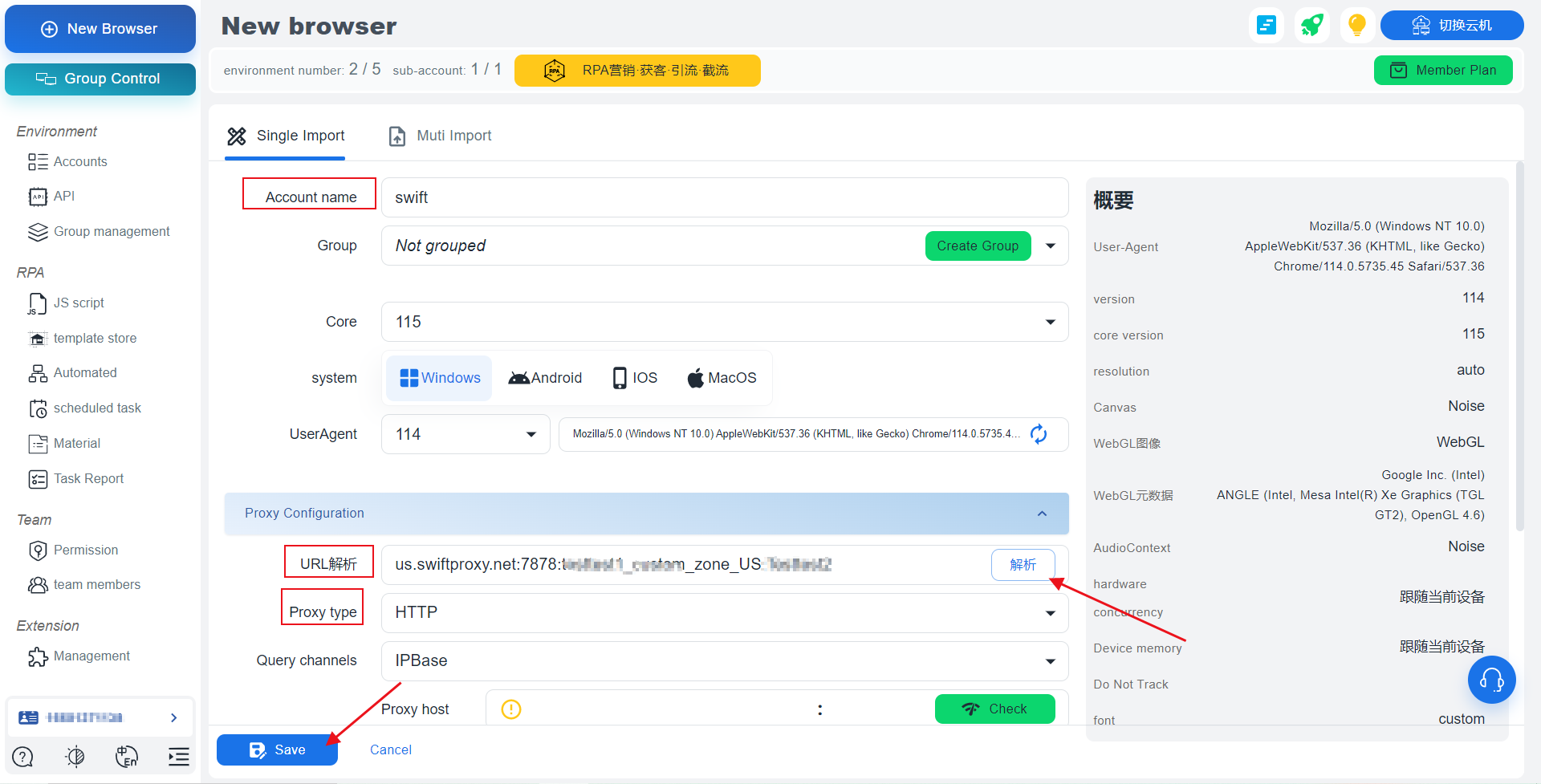 3. 點擊【OPEN】以開啟瀏覽器視窗