> For the complete documentation index, see [llms.txt](https://docs.swiftproxy.net/llms.txt). Markdown versions of documentation pages are available by appending `.md` to page URLs; this page is available as [Markdown](https://docs.swiftproxy.net/zh-tw/dai-li/ji-cheng-dai-li/jing-tai-zhu-zhai-dai-li/clonbrowser.md).
# ClonBrowser
## **什麼是 ClonBrowser?**
ClonBrowser 是目前唯一功能完整且免費的反偵測瀏覽器,允許使用者編輯與控制瀏覽器指紋及其他資訊,支援多種代理協議,並可對接各類平台進行多帳號管理。
## **如何配置 ClonBrowser 和 Swiftproxy 靜態住宅代理?**
### **Step 1: 獲取代理信息與下載**
1. 從[官方網站](https://www.clonbrowser.com/download)下載並安裝 Clonbrowser
2. 前往 Swiftproxy [用戶中心](https://www.swiftproxy.net/user/ucenter),複製用戶名、密碼、服務器名和端口
 ### **Step 2: 在 ClonBrowser 中配置 Swiftproxy**
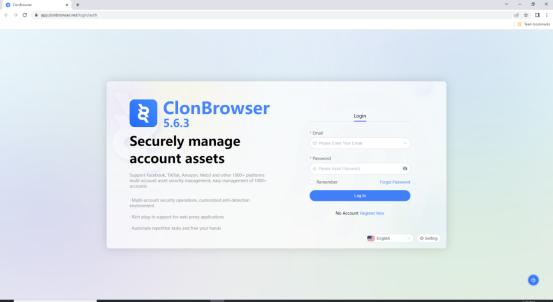
1. 下載適用版本的 ClonBrowser,然後建立一個帳號。
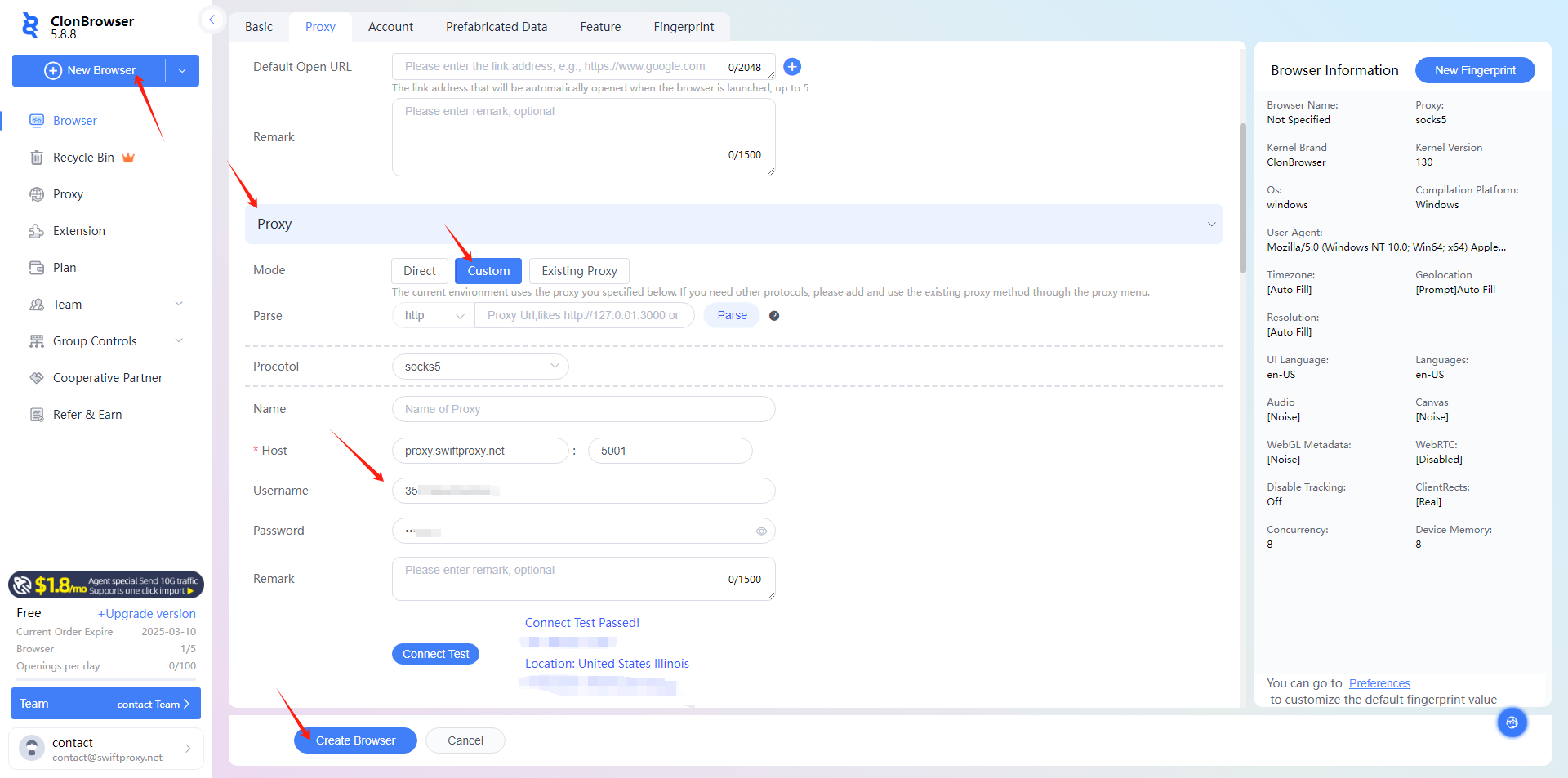
2. 要配置您的代理,請點擊【New Browser】,稍微向下滾動,選擇【Proxy】,並貼上您從 Swiftproxy 用戶中心複製的代理信息(用戶名、密碼、服務器名和端口)。最後點擊【Create Profile】完成設定
### **Step 2: 在 ClonBrowser 中配置 Swiftproxy**
1. 下載適用版本的 ClonBrowser,然後建立一個帳號。

2. 要配置您的代理,請點擊【New Browser】,稍微向下滾動,選擇【Proxy】,並貼上您從 Swiftproxy 用戶中心複製的代理信息(用戶名、密碼、服務器名和端口)。最後點擊【Create Profile】完成設定
 3. 點擊【Launch】即可透過 ClonBrowser 使用 Swiftproxy 的住宅代理服務開始瀏覽。
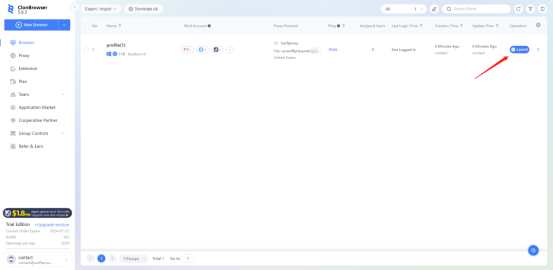
3. 點擊【Launch】即可透過 ClonBrowser 使用 Swiftproxy 的住宅代理服務開始瀏覽。
