> For the complete documentation index, see [llms.txt](https://docs.swiftproxy.net/llms.txt). Markdown versions of documentation pages are available by appending `.md` to page URLs; this page is available as [Markdown](https://docs.swiftproxy.net/proxies/registration-and-login/login.md).
# Login
### How to log in to a Swiftproxy account?
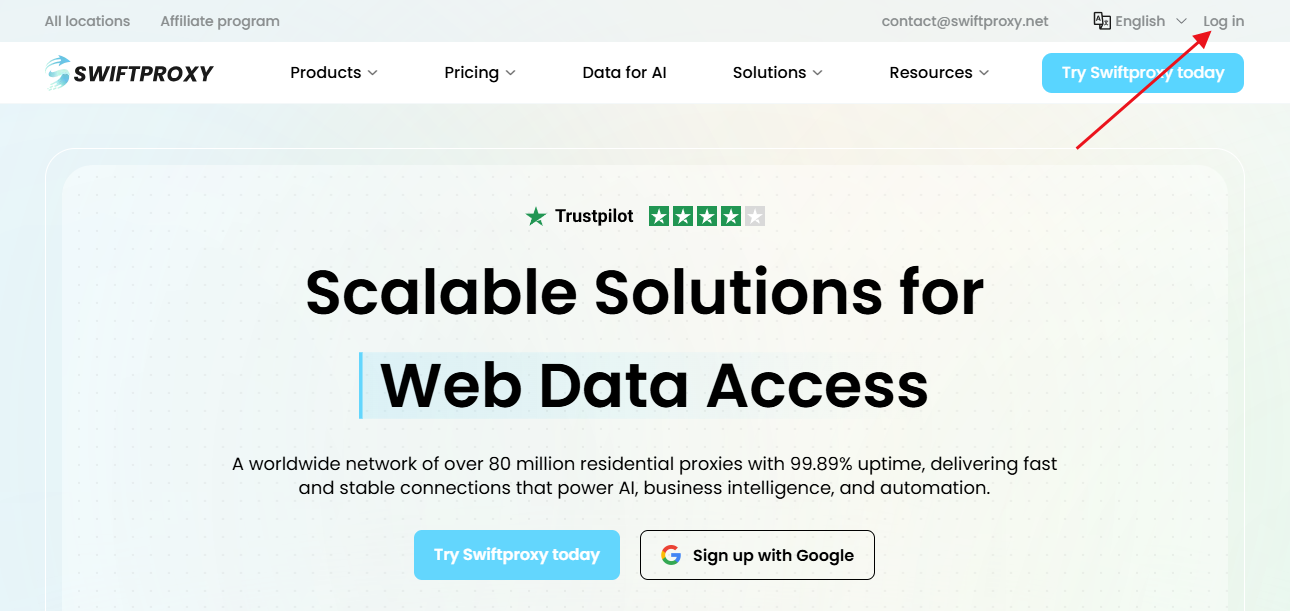
* If you have already registered a Swiftproxy account, you can log in through the login button on the homepage, or you can log in through this link:[ Log in](https://www.swiftproxy.net/user/login)
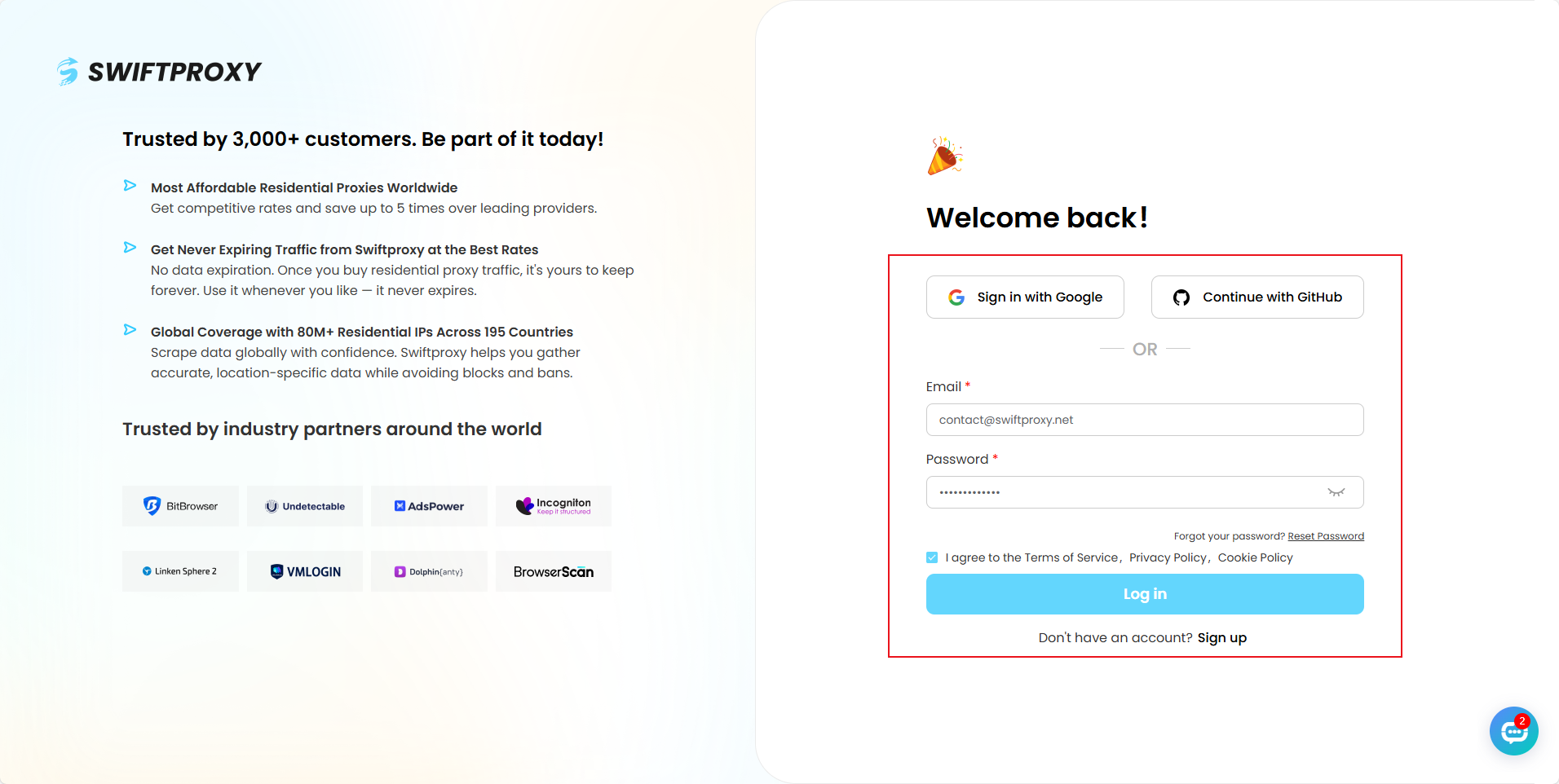
* On the login page, if you have already registered with Google/GitHub, you can directly click the corresponding button to log in.
* If you registered with other email addresses, you can enter your registered email address and password and click Login.
If this guide does not provide the answer during the registration and login process, you can also contact customer service to help you solve the problem.
Telegram:
Email: /
Contact: [WhatsApp](https://api.whatsapp.com/send/?phone=85366129439\&text\&type=phone_number\&app_absent=0)