> For the complete documentation index, see [llms.txt](https://docs.swiftproxy.net/llms.txt). Markdown versions of documentation pages are available by appending `.md` to page URLs; this page is available as [Markdown](https://docs.swiftproxy.net/proxies/integration-and-usage/static-residential-proxies-integration/yunlogin.md).
# Yunlogin
## **What is Yunlogin?**
Yunlogin is a cloud-based anti-detect browser designed to help users manage multiple online accounts with ease and security. By creating isolated browser profiles with unique fingerprints, IP addresses, and device parameters, Yunlogin ensures that each profile behaves like a completely separate real device. This makes it especially useful for affiliate marketing, e-commerce, ad verification, social media management, and web scraping. With its lightweight cloud infrastructure, cross-platform support, and seamless integration with proxy services like Swiftproxy, Yunlogin allows users to work from anywhere while maintaining privacy, avoiding detection, and improving operational efficiency across multiple identities.
## **How to configure Yunlogin with Swiftproxy Static Residential Proxy?**
### **Step 1: Get Proxy Information and Download**
1. Download Yunlogin Browser from the [official website](https://www.yunlogin.com/?linkuuid=7H).
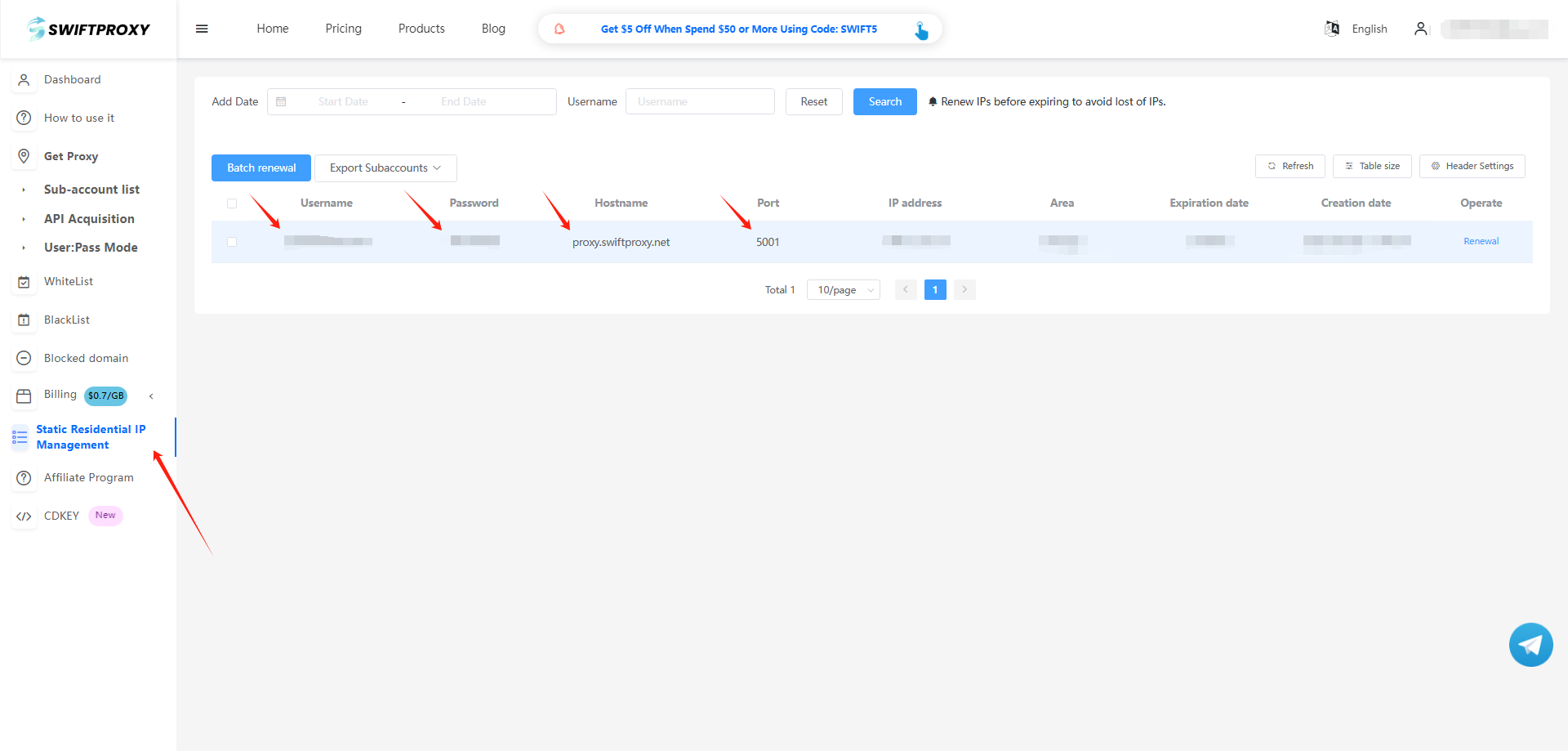
2. Visit the [Swiftproxy dashboard](https://www.swiftproxy.net/user/ucenter) and copy Username, Password, Hostname, and Port.
### **Step 2: Configure Swiftproxy in Yunlogin Browser**
1. Log in to Yunlogin, click "代理管理", choose "自有代理", and click "Add proxy".
2. To configure your proxies, paste Username, Password, Hostname, and Port to Yunlogin as shown below, then hit "确定" to complete the configuration.
3. Click "新建浏览器", choose "代理配置", click "自有代理" in "代理信息", and select the proxy we set up earlier, then hit "确定" in the end.
4. Click “Start” to begin using the browser.