> For the complete documentation index, see [llms.txt](https://docs.swiftproxy.net/llms.txt). Markdown versions of documentation pages are available by appending `.md` to page URLs; this page is available as [Markdown](https://docs.swiftproxy.net/fr/proxies/proxies-residentiels-statiques/requete-dadresse-ip-achetee.md).
# Requête d’adresse IP achetée
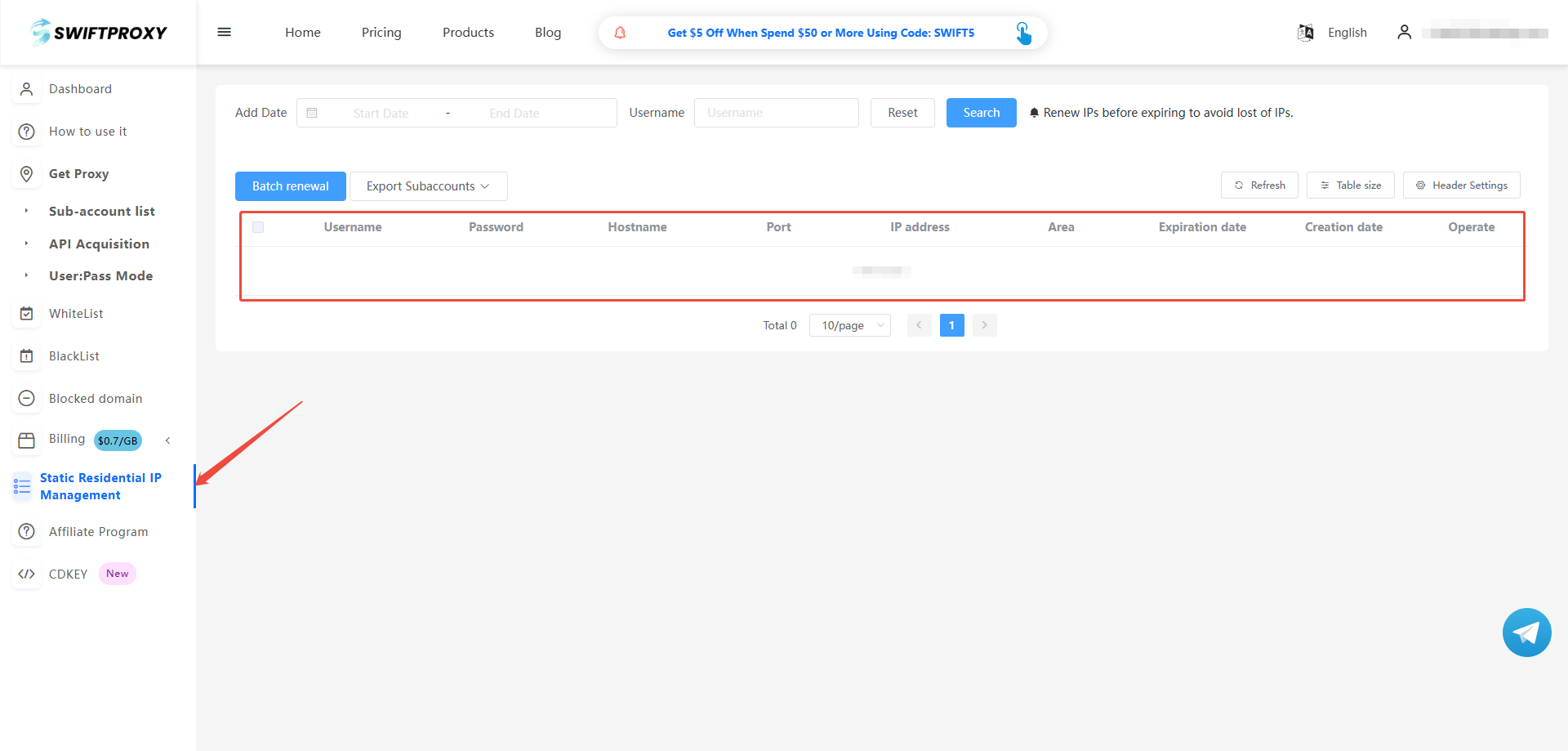
Connectez-vous au tableau de bord, puis cliquez sur la section "Gestion des IP Résidentielles Statiques" dans la barre latérale.
Vous y trouverez tous les détails nécessaires concernant l’adresse IP que vous avez achetée.
***
Si vous avez suivi toutes les méthodes et rencontrez toujours des problèmes, veuillez contacter l’équipe support de Swiftproxy par email ou via Telegram.
Telegram: [@swiftproxy357](https://t.me/Swiftproxy357)
Email: /