> For the complete documentation index, see [llms.txt](https://docs.swiftproxy.net/llms.txt). Markdown versions of documentation pages are available by appending `.md` to page URLs; this page is available as [Markdown](https://docs.swiftproxy.net/fr/proxies/inscription-et-connexion/connexion.md).
# Connexion
### Comment se connecter à un compte Swiftproxy ?
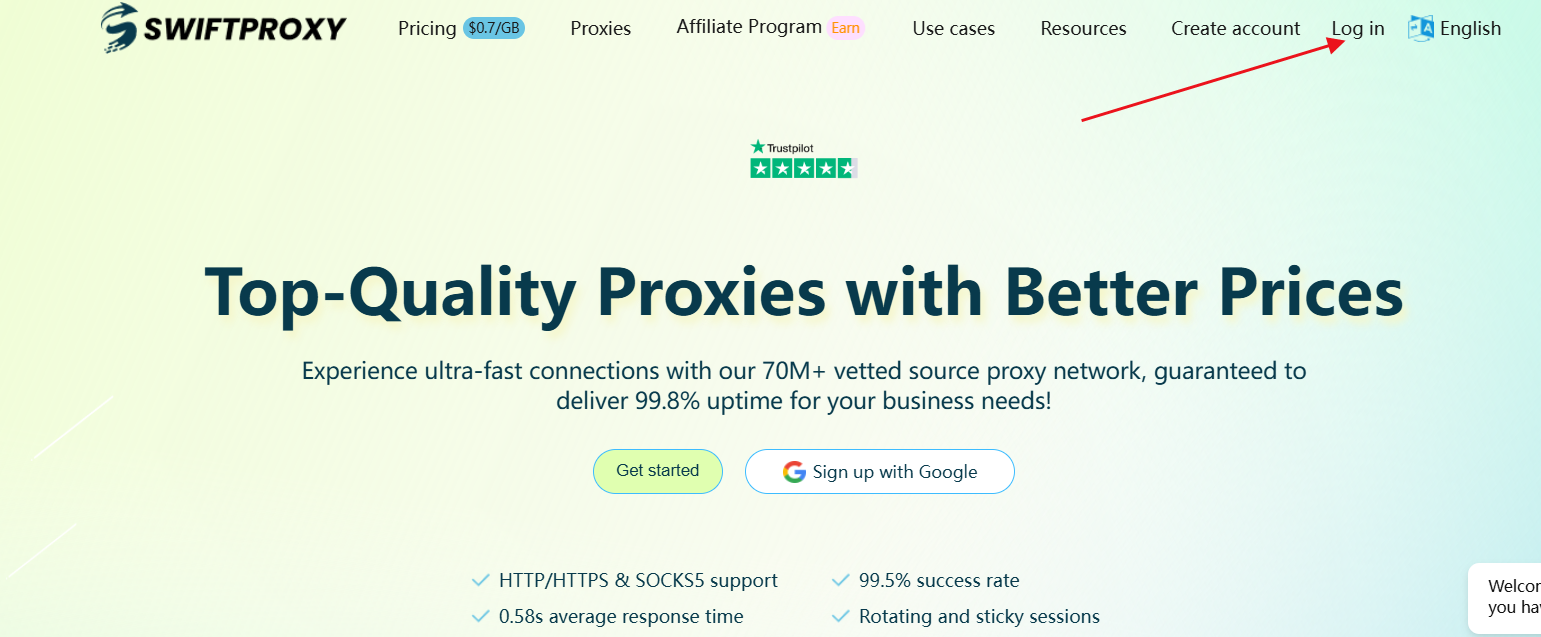
* Si vous avez déjà enregistré un compte Swiftproxy, vous pouvez vous connecter via le bouton de connexion sur la page d’accueil, ou en cliquant sur ce lien:[Connexion](https://www.swiftproxy.net/user/login)
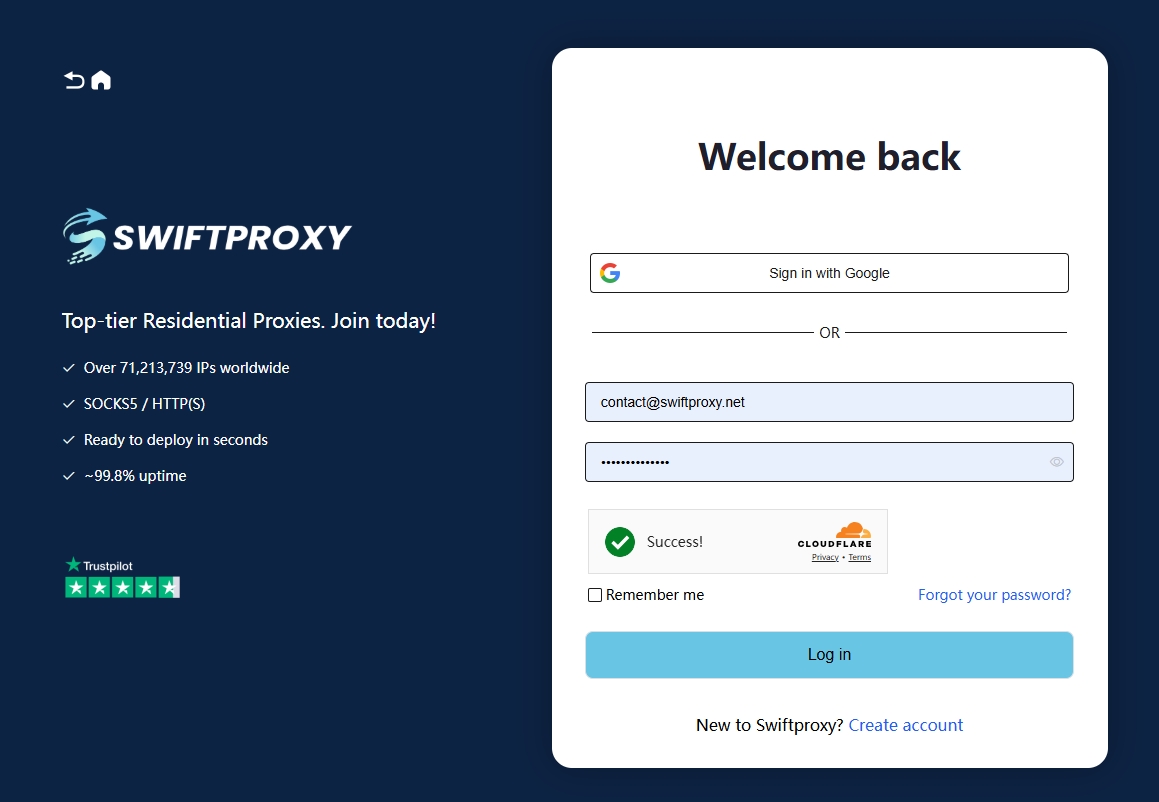
* Sur la page de connexion, si vous vous êtes inscrit avec Google, vous pouvez cliquer directement sur “Sign in with Google”.
* Si vous vous êtes inscrit avec une autre adresse e-mail, entrez votre adresse e-mail enregistrée et votre mot de passe, puis cliquez sur “Login”.
Si ce guide ne répond pas à vos questions lors du processus d’inscription ou de connexion, vous pouvez également contacter notre service client pour obtenir de l’aide.
Telegram:
Email: /
Contact: [WhatsApp](https://api.whatsapp.com/send/?phone=85366129439\&text\&type=phone_number\&app_absent=0)